I am trying to create a user who can be assigned an order. He/she only sees the assigned order. How do I do that?
To achive it you need:
- Create a new Role
- Assign Permission (see screenshot)
- Select Only for order responsible scope for read,
- Then assign this role to manager

Thanks for the reply @OlegoO. Another issue is that the “assign to” functionality in the order section doesn’t return any internal users (assignee). How do I fix that?

You need to add Customer > customer:read permission.
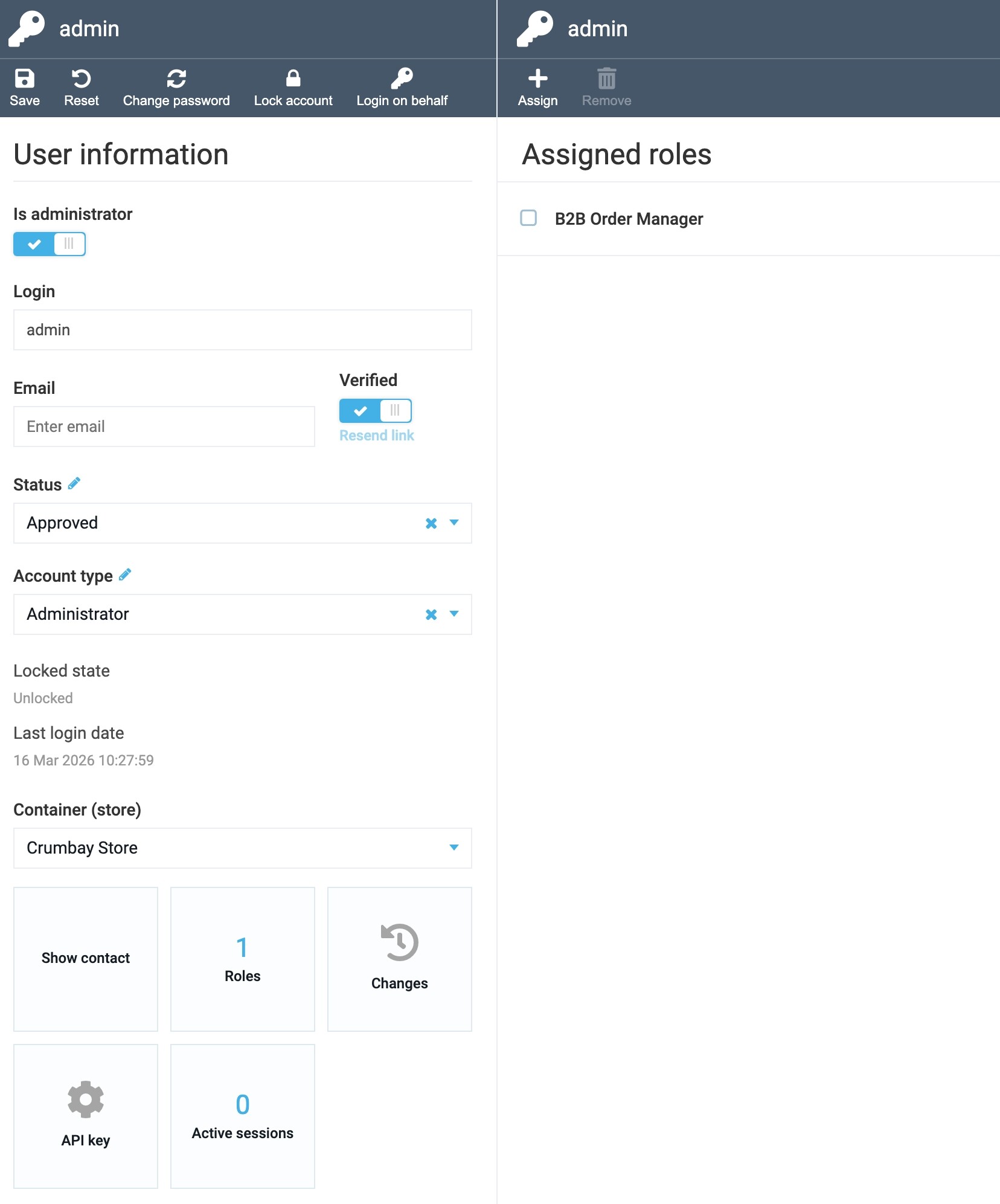
Please check the sample set of permissions for B2B Order Manager, that we usually use on the training sessions:


You need to open the Network tab in the browser and review which API are blocked.

You need to click on the item and select Scope
You know I successfully integrated Paystack into Virotocommerce. I am so happy. I think we can do this for almost all existing payments providers and then publish the code or plugins.
We can work on it together, publish them on GitHub and get the community to support it with contributions.
Congrats on getting Paystack integrated with VirtoCommerce — that’s a great win!
The idea of extending this to other payment providers and open-sourcing the plugins sounds promising. Share the GitHub link with us, we’ll review it and get back to you with options on how we can move forward together.
@Olego See what I built on Virto using Nextjs and some other tools www.crumbay.com. The difficulty is “persuading” virto do accept some of things the storefront wants to do. That has been a huge fight.
Good question, please send an email to support@virtocommerce.com and describe your idea and solution. We will review it and propose options.
PS: Also, you can share it here as well.